Library
Library
We manage our library in Zotero. The library is open and accessible by anyone and you can browse the library online here:
https://www.zotero.org/groups/1488090/life-itself/library
Joining the Library: Acccess to full texts and adding items
Joining the library gives you:
- Access to full digital texts i.e. PDFs, epubs etc
- The ability to add items to the library
- The ability to create your own collections
How to join
- Register an account on Zotero and get a username
- Joun Life Itself Zotero group: please post a request in the forum thread)
Adding books to the Library
You might get asked to curate a reading list or bibliography on a certain topic, or you might want to do so for yourself. This is how you should create a bibliography on the shared Zotero library.
[!note]: Where possible we store digital copies of the texts along with the item
- In the top left corner, you can click to add a collection.
- Name your collection, e.g. 'Jainism'
- Find publications that you want to include in the library.
- Find the ISBN for any publications you wish to include.
- Open the collection you have created in Zotero.
- At the top of the page, there is an icon that looks like a wind a small green cross. Click it. Copy and paste in the ISBN for the publication you wish to include. This will add the metadata for the publication into the library.
- If you have the .pdf or .epub for the article / book, then drag it onto the file you have just created. You may want to 'right-click' and 'rename file from the metadata'. (If you have them, .epubs are better than .pdfs, as it makes for easier copying and pasting from the text)
- Find any online versions of publications that are in your reading list, and then repeat Step 7.
- On the right of side of the screen, when you click on one of the titles in your list, you'll see that you can add an abstract. This helps other to see what the books / articles you have added are about. It is helpful to fill these in, and perhaps also indicate which titles in the reading list are the most worth reading.
Step by step instructions for joining the research hackathon group library and creating your own collection
These are step-by-step instructions with instructions on how to join a group library and create a personal collection. It is focused on the groupl library for the research hackathon but can be applied to any public group library.
Step 1: Join the Group
Go to group page
https://www.zotero.org/groups/5081870/lifeitself-research-hackathon
Login or signup to zotero (if you haven't already)
Click as in image. Then confirm email.
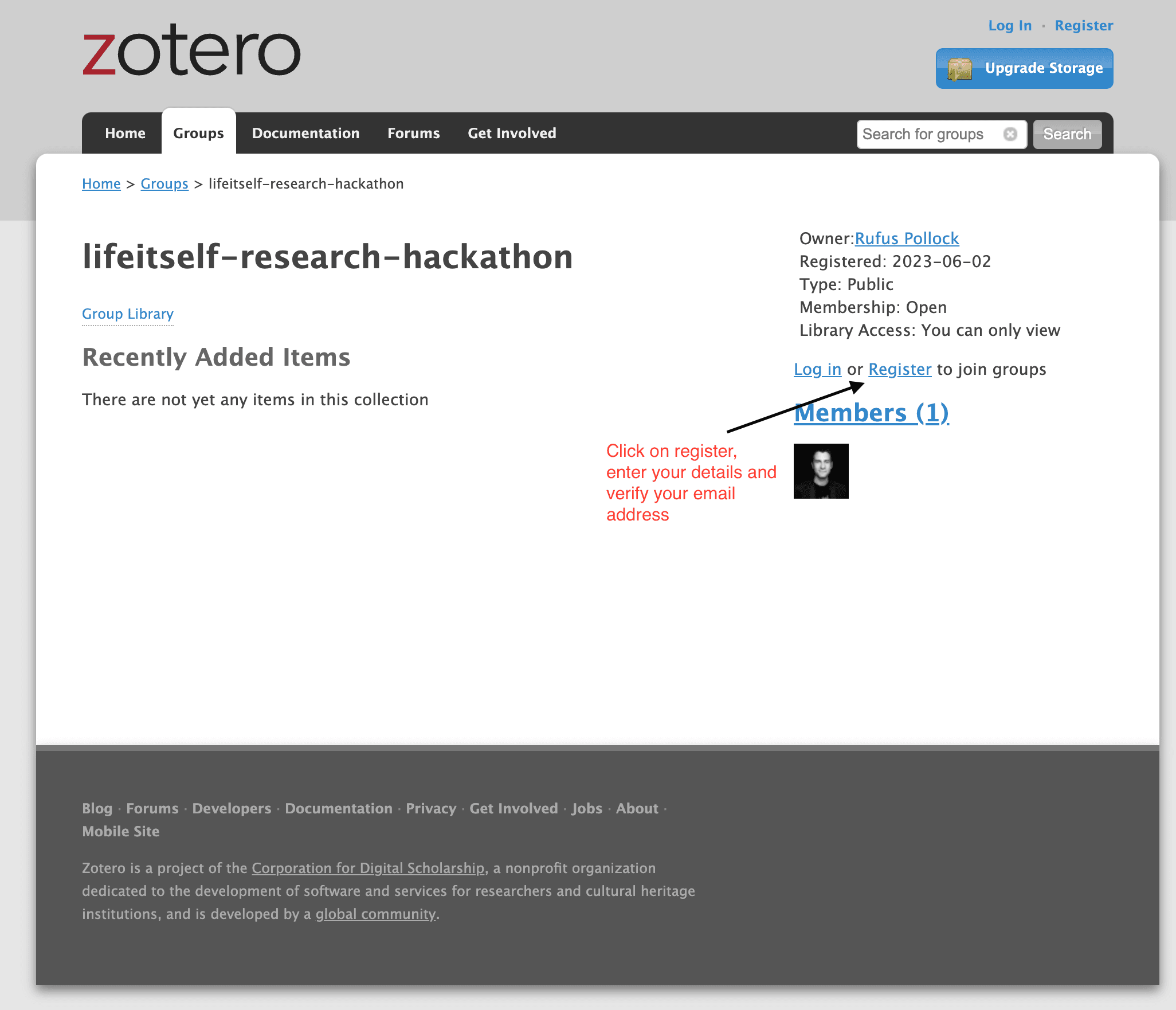
Afterwards, navigate back to the group page https://www.zotero.org/groups/5081870/lifeitself-research-hackathon
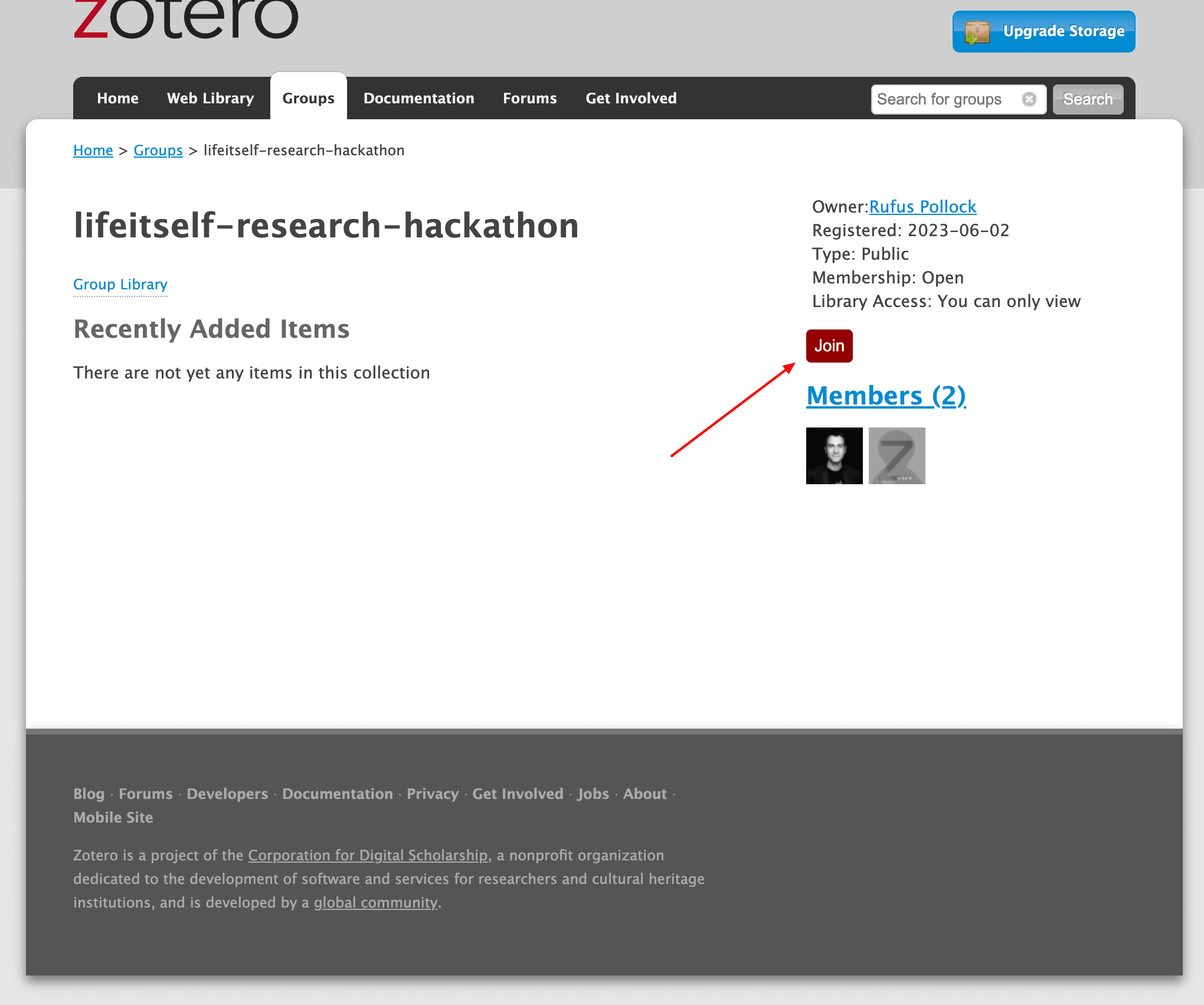
Join the group
Join the group:
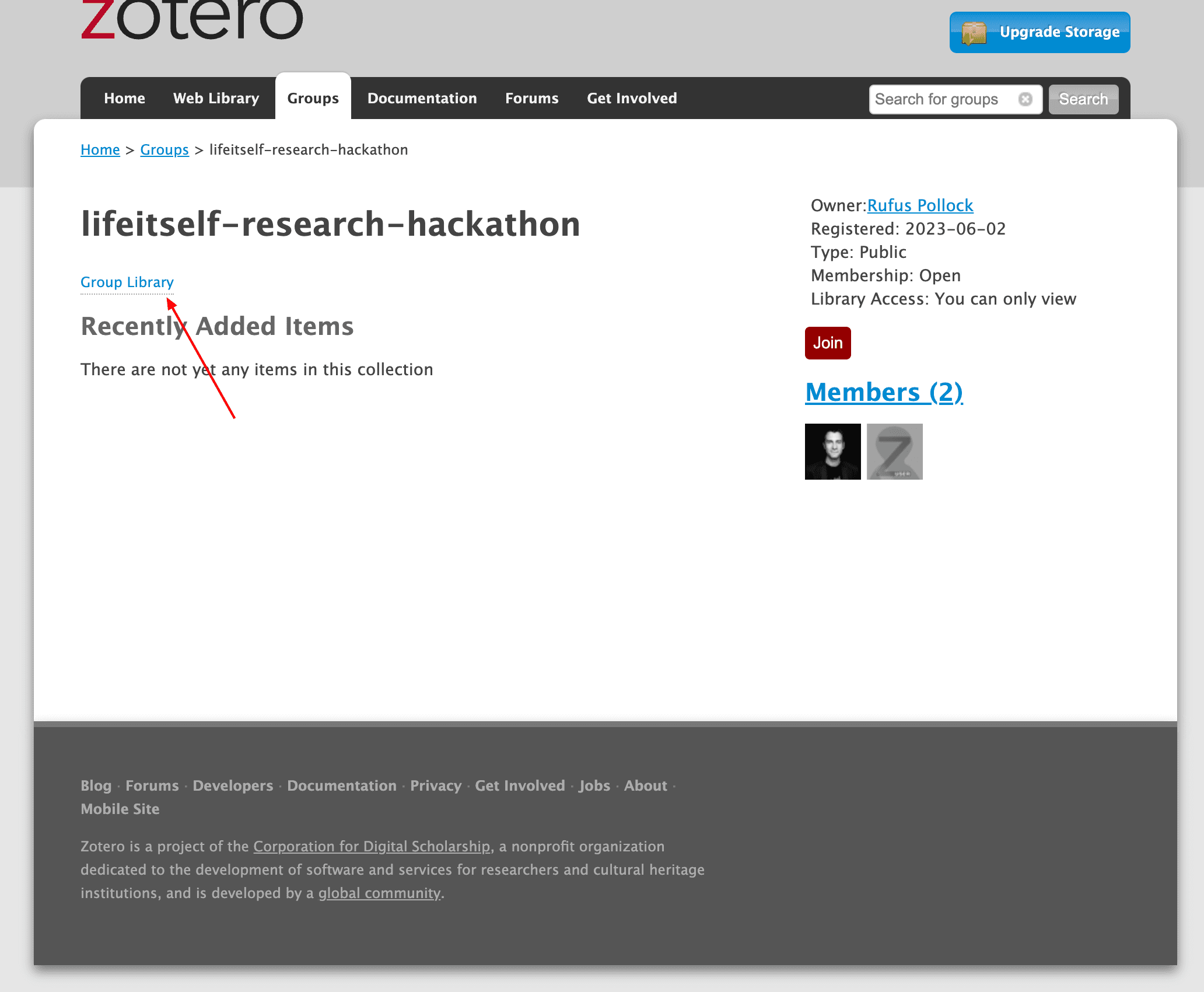
Visit the group library
Visit the group library now you are a member:
Step 2: Creating a reading list
We're going to do this by creating a Zotero "collection" and then adding some items to it.
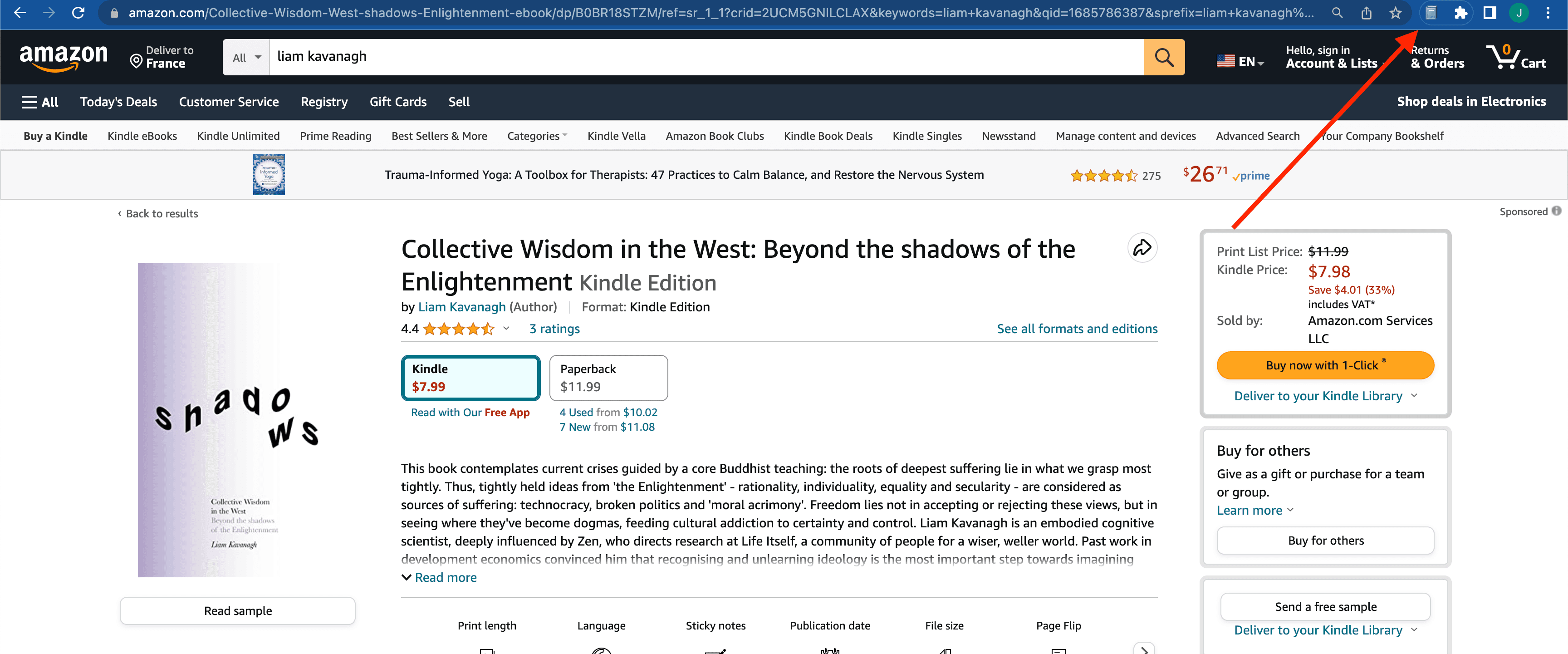
Install zotero browser plugin/extension
https://www.zotero.org/download/connectors
Enable Saving to Online Library
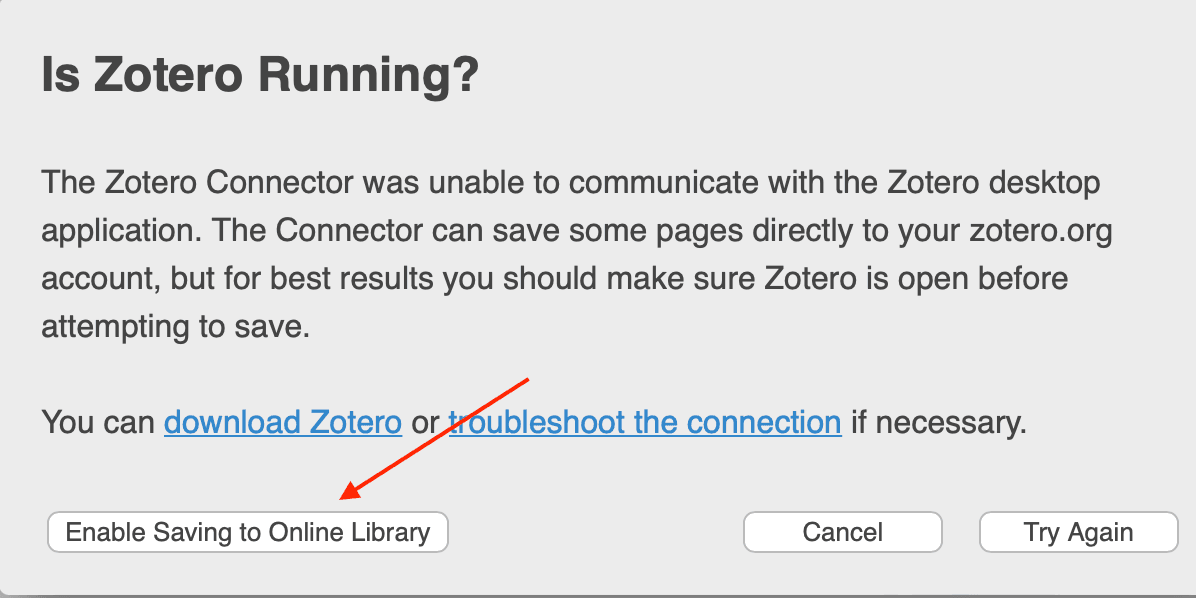
Quick add an item to your library
Create a collection
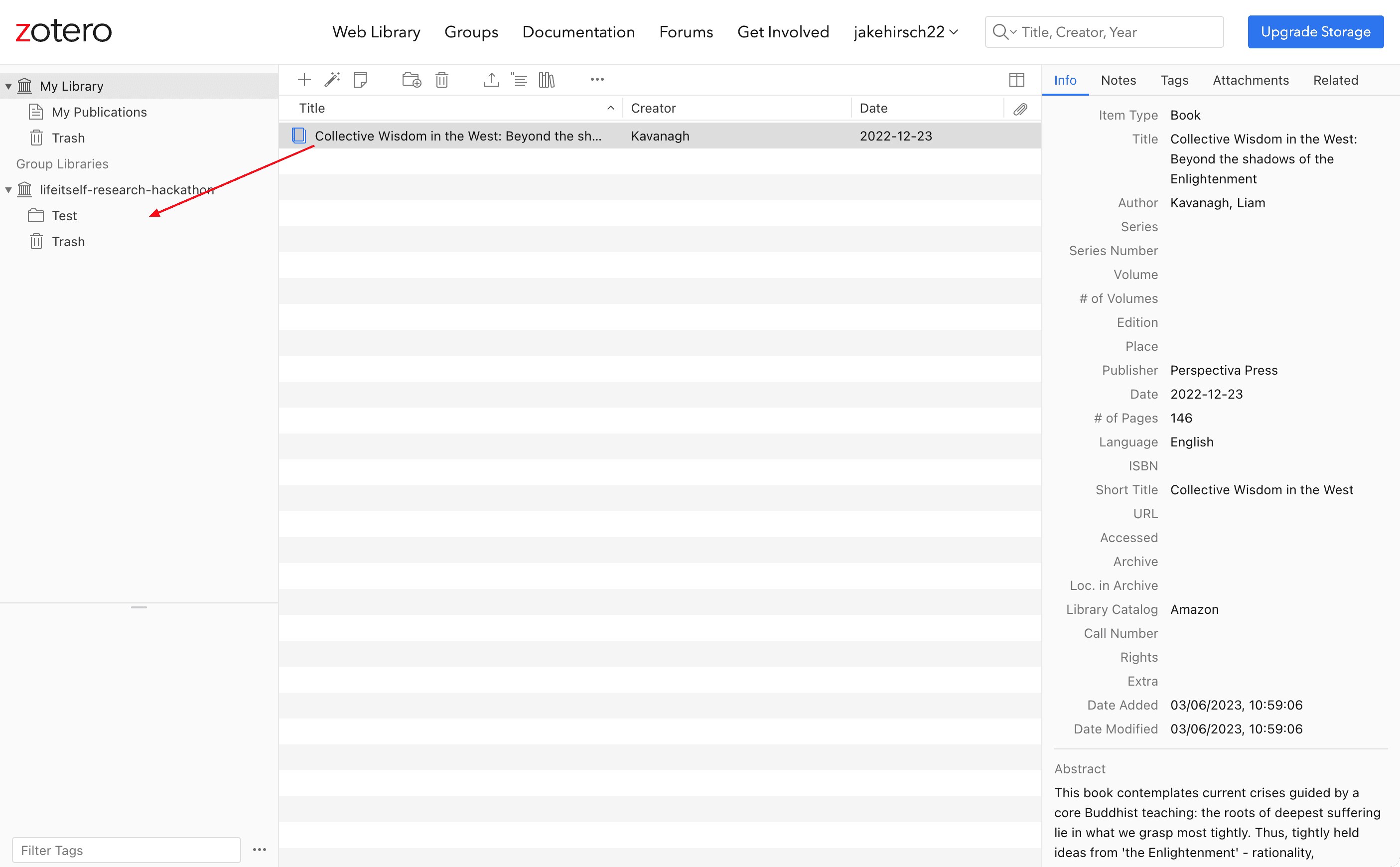
Create a collection with the title of your reading list and your name

Click on My Library at the top and move the item to the new collection
Bonus: Zotero Desktop setup 😄
Why? With zotero desktop you can:
- Save directly to relevant collection
- Access your entire library locally when offline
- Add attachments such PDF or epub texts to items